
Google May Temporarily Pause Reviews After Detecting a Spam Spike
Some Google Business Profile owners have started receiving an email saying Google detected a spike in spam reviews on their profile, removed the suspected spam, and temporarily paused new ratings, reviews and other contributions. It sounds alarming, but the wording presents the pause as protection, not punishment. Here's what the reported email says, what's confirmed, what isn't, and what to do if it lands in your inbox.
On This Page
- What the newly documented email says
- Is Google accusing the business of buying fake reviews?
- What happens during the temporary pause?
- Could legitimate review campaigns be affected?
- What to do if your profile receives the warning
- Google's rules for requesting customer reviews
- How to build a safer, more consistent review process
- How Nearby Calls Is Responding
- How Nearby Calls helps
- FAQs
What the newly documented email says
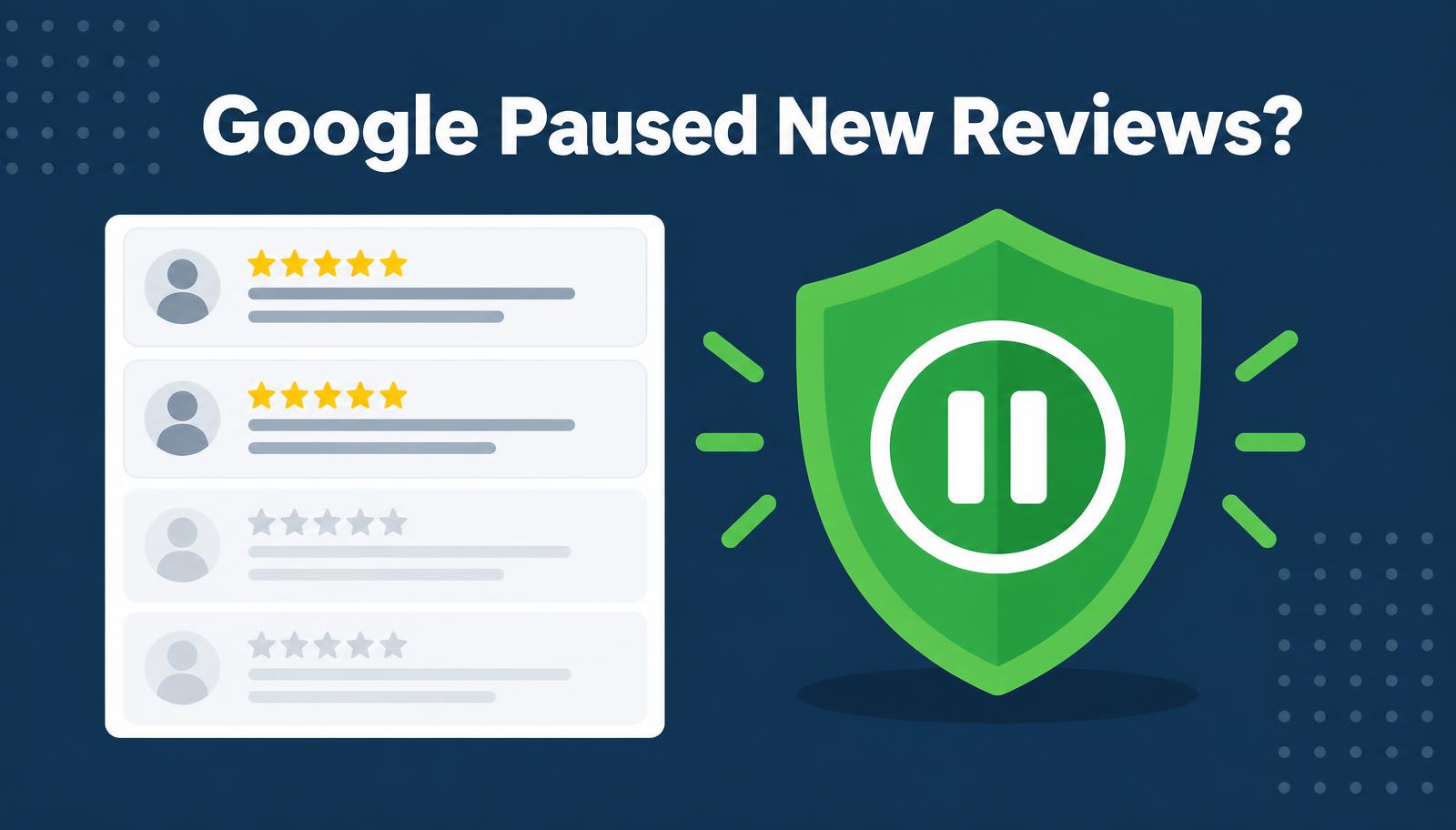 Google may temporarily pause new reviews on a profile after it detects a spike in suspected spam.The notification was documented by Search Engine Roundtable, a credible industry publication, in a report published September 22, 2026, based on a screenshot of the Google email. Google has not published a separate announcement explaining the email or the exact threshold that triggers it.
According to the reported email, Google said it:
That's the confirmed part. Everything about what causes the email to be sent is, for now, informed speculation.
Is Google accusing the business of buying fake reviews?
Based on the reported wording, no. The email frames the action as Google shielding the profile from a wave of incoming spam. That spam could come from a review attack, a bot network, or other suspicious activity the owner had nothing to do with.
This is different from a formal restriction. Google separately documents Business Profile restrictions for policy violations that it may apply when it determines a business took part in fake or incentivized review activity under its Fake Engagement policy. Those restrictions can include temporarily blocking new reviews, temporarily unpublishing existing reviews, and displaying a public warning on the profile.
The spam-spike email, as reported, doesn't mention a violation, a public warning, or a policy finding. Treat it as a protective pause unless Google tells you otherwise.
What happens during the temporary pause?
While the pause is active, you can expect a few practical effects:
Two things stay true: the pause itself does not necessarily mean the business did anything wrong, and your existing rating should be protected from the suspected spam Google removed.
Could legitimate review campaigns be affected?
Possibly, but this is not confirmed. Some observers have suggested that a sudden burst of real reviews could look unusual to automated systems, especially for a new location or a business that has historically received reviews slowly. That's a third-party observation, not a documented Google trigger.
Google has not disclosed a safe number of reviews, a permitted review velocity, or an exact threshold. Anyone quoting a daily limit is guessing. What Google's Maps contribution policy does say is that it watches for unusual review volumes or patterns alongside fake engagement. For more on why steady beats sudden, see why review velocity matters more than total review count.
What to do if your profile receives the warning
Stay calm and work through this checklist:
One more caution: don't create a replacement Business Profile or make unrelated major profile changes in response to a temporary review pause. That can create new problems without solving the original one.
If reviews vanish for other reasons, our post on the review replies display bug shows why it's worth checking the public listing before assuming the worst. And because Google can change profile details quickly, the habits in our four-day edit deadline guide apply here too.
Google's rules for requesting customer reviews
Asking for reviews is allowed. Google even provides an official review link and QR code so businesses can request feedback from customers. The problem is manipulation, incentives, bias, or patterns that appear designed to influence the rating.
Under Google's prohibited and restricted content policy, you should:
How to build a safer, more consistent review process
A good review program isn't about sending as many requests as possible. It's about a steady, honest rhythm tied to real work. In practice that means:
If your requests aren't getting responses, why review requests fail and common review collection mistakes cover the fixes that keep a process both effective and policy-conscious.
How Nearby Calls Is Responding
When a new business begins working with Nearby Calls, we often start with a review reactivation campaign. That means reaching out to the business's existing or previous customers and inviting them to leave an honest Google review about their experience.
At Nearby Calls, we already work through existing customer lists at a controlled pace rather than sending every request at once. In light of this newly documented Google protection, we're making that process even more conservative.
A successful reactivation campaign can generate several dozen new reviews from a business's existing customers. If a profile previously received few or no reviews and then starts receiving them much more often, that activity could look unusual to Google's automated systems. Google hasn't confirmed that it would, and it hasn't published a safe number or velocity limit—so we treat this as a reasonable precaution, not a Google rule.
Depending on the size of a client's customer list and the profile's previous review activity, we may spread a review reactivation campaign across several weeks or months. This allows us to build a more natural and consistent review pattern while continuing to request honest feedback from real customers.
The slower approach doesn't mean fewer customers get contacted. The same people are invited; the requests are simply distributed over a longer period to create a steadier pattern and reduce the chance of an abrupt spike.
Google has not published a specific number of reviews that is considered 'too many,' and a legitimate increase does not necessarily mean a profile will be restricted. This is simply an additional precaution we're taking to protect our clients while still helping them build a stronger review presence. It can't guarantee Google won't apply a pause—but it reflects our commitment to sustainable, policy-conscious review growth.
How Nearby Calls helps
Nearby Calls helps local businesses request more genuine customer reviews through a consistent, policy-conscious process, while monitoring the broader Business Profile for notifications, unusual activity and changes like Collected info. We keep campaign records so there's context ready if an appeal is ever needed. If you'd like that handled for you, learn about Nearby Calls.
The bottom line: a spam-spike pause is usually temporary and protective. Pause your requests, document what happened, appeal only if real reviews were removed, and restart at a steady pace.
Want a review process that's steady and policy-conscious?
Nearby Calls helps local businesses request more genuine customer reviews, monitor their Google Business Profile, and turn more searches into customer calls.
Learn About Nearby CallsFrequently Asked Questions
Related Articles
- The Nearby Calls Reviews System: How We Help Businesses Generate More Reviews, Build Trust, and Improve Local Visibility
- Why Review Velocity Matters More Than Total Review Count
- Why Review Requests Fail
- Common Review Collection Mistakes
- Google Business Profile Bug: Review Replies Missing From the Dashboard (July 2026)
Get found, trusted, and called on Google.
Nearby Calls helps local businesses stay active on Google, collect more reviews, and generate more customer calls.
Learn About Nearby Calls