
How Service Areas Affect Rankings
Service area settings determine whether your business appears when customers search for help in specific towns or neighborhoods. You will learn how Google calculates proximity for service-based businesses and how to set your boundaries to maximize phone calls without getting your profile suspended.
On This Page
The trade-off between reach and ranking strength
Google prioritizes businesses that are physically close to the user's search location. If you are a plumber in Phoenix and you set your service area to cover the entire state of Arizona, you are not helping your rankings. In fact, you are likely hurting them. Google understands that a one-man plumbing operation cannot realistically service a 200-mile radius efficiently, so it will dampen your visibility in favor of local competitors who define smaller, more realistic boundaries.
Your ranking strength is like a spotlight; the wider you focus the beam, the weaker the light becomes at any single point. When you limit your service area to the specific ZIP codes where you actually do the most work, Google views your profile as more relevant to those specific residents. This relevance is what triggers the 'Call' button to appear in the local three-pack when a homeowner nearby searches for an emergency pipe repair.
Think about a carpet cleaner with 50 five-star reviews. Even with a great reputation, they will struggle to show up in search results for a town 40 miles away if they have five competitors in that town with decent profiles. Google’s algorithm is built to give the user the fastest solution. By tightening your service area to a 20-mile radius or specific local counties, you signal to Google that you are the most available and logical choice for those immediate neighbors.
If you try to cheat the system by selecting every city in a metropolitan area, Google may categorize your profile as 'spammy.' This leads to a shadow-ban where your profile exists but never reaches the top three positions. To get more calls, you must prove you are a local authority in a concentrated zone rather than a ghost presence in a massive one. Want the full picture? Read our Ultimate Guide to Google Business Profiles.
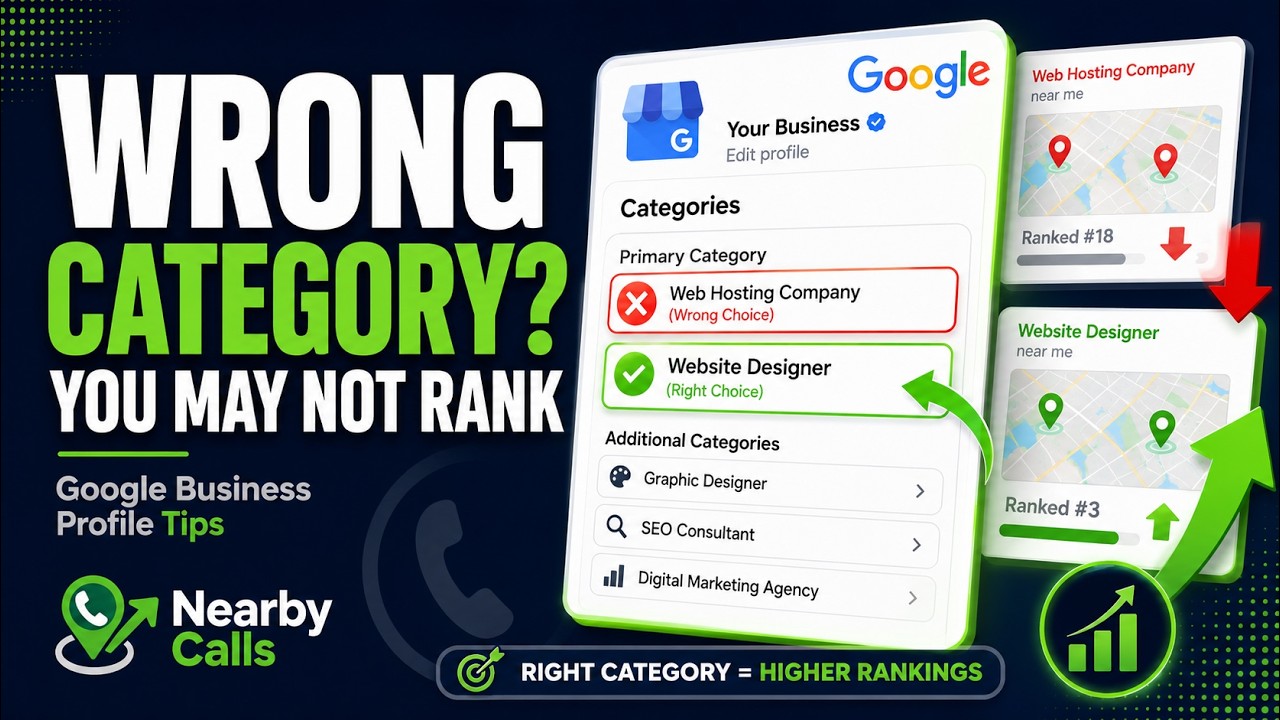
Fix Your Google Business Profile Categories to Rank Higher on Google Maps
Watch on YouTube
Verification methods for service area businesses
Local businesses fall into two categories: storefronts and service area businesses (SABs). If you run a landscaping company from your home, you must hide your address and strictly use the service area setting. Showing a residential address on Google Maps is a quick way to get your profile suspended because it violates Google's terms of service regarding physical locations that customers cannot visit.
When you verify an SAB profile, you still provide a physical address to Google for mail, but you toggle the 'hide address' option. This tells Google your central hub. From that hub, you can select up to 20 service areas. These can be cities, counties, or ZIP codes. For the best result, use ZIP codes. They are more precise and help Google’s system map your service territory with higher accuracy than a broad city name would allow.
A common mistake is thinking that hiding your address means your location no longer matters. This is false. Google still uses your underlying verification address as the 'center point' for your rankings. A mobile locksmith verified in downtown Denver will always rank better for 'locksmith near me' searches in Denver than a locksmith verified in the suburbs, even if both have the same service area settings.
If you are moving your business, you must update your verification address before tinkering with your service areas. Changing your service area without a core location update won't move your ranking 'bubble.' You must ensure your physical home base or office is as close to your high-value customers as possible to maximize the volume of phone calls coming through your profile. Related reading: Understanding Google's Local Ranking Factors.
The impact of ZIP codes versus city names
When you set your service area, Google allows you to type in names of cities or specific ZIP codes. Using ZIP codes is a superior strategy for local business visibility. City names are broad and often have overlapping boundaries in the eyes of an algorithm. ZIP codes are definitive polygons. By selecting the ten ZIP codes that generate your highest profit margins, you are telling Google exactly where your 'ideal' customer lives.
Consider an HVAC technician. They might service the entire city of Dallas, but they know that the North Dallas neighborhoods have older homes that need more frequent repairs. By prioritizing those specific ZIP codes in the Google Business Profile, the technician is more likely to appear in the local pack for those high-intent users. This direct targeting leads to higher quality leads and more calls for high-ticket jobs.
Avoid the temptation to add every surrounding ZIP code just because you are willing to drive there. Google monitors user behavior. If searchers in a distant ZIP code frequently see your profile but click on a competitor instead, your ranking in that area will drop everywhere. It is better to dominate five ZIP codes than to be buried on page four for fifty of them.
Every time you add a service area, monitor your 'Calls' report in the Google Business Profile insights. If you add a new town and see no increase in calls after 30 days, remove it. Keeping underperforming areas in your settings dilutes your local authority. Stick to the areas where your existing reviews and photos prove you actually do work. Related reading: Understanding Proximity.
Connecting reviews to service area relevance
Google doesn't just look at the boxes you check in your settings; it reads your reviews to verify you actually work in those areas. If your service area says you serve 'Springfield,' but all your reviews mention 'Shelbyville,' Google will trust the reviews over your settings. This creates a disconnect that can suppress your rankings in both locations.
To fix this, ask your customers to mentioned their neighborhood or city in their review. A review that says, 'This electrician did a great job on my panel in Midtown,' is worth five times more than one that just says, 'Great job.' These organic location signals confirm to Google that your service area settings are honest and accurate, which boosts your visibility in those specific neighborhoods.
Photos also play a massive role in confirming your service area. When you upload photos of a completed job, Google reads the metadata or uses AI to identify landmarks. If you are an outdoor lighting contractor, uploading photos of projects in specific suburbs helps Google associate your profile with those regions. This makes your 'Service Area' settings feel more 'earned' to the algorithm.
If you notice your calls are dropping from a specific part of your service area, focus your review acquisition efforts there. Send your review link to your next three customers in that specific town. Once those reviews go live with location-specific text, you will often see a jump in your Google Maps ranking for that particular area. Related reading: Understanding Relevance.
Managing boundaries for multi-location businesses
If you have two locations, their service areas should never overlap. If you have an office in the North and an office in the South, and both profiles claim to serve the entire city, you are effectively competing against yourself. Google calls this 'cannibalization.' The algorithm may choose to hide one of your profiles entirely to provide 'variety' in the search results.
Draw a line on the map and assign specific ZIP codes to each location. This ensures that when a customer searches from the North side, your North office appears clearly with its own reviews and local photos. This clarity makes it easier for the customer to hit the 'Call' button because they see a local office that is 'just down the road' from them.
Each location should have its own set of unique photos and local posts. Don't use the same 'Special Offer' image for both profiles. Tailor your Google Posts to mention the specific community each location serves. For example, a restoration company should mention 'Helping flooded homes in East Hills' on one profile and 'Water damage repair in West Valley' on the other.
You should also link each profile to a location-specific landing page on your website. The North profile should link to 'yourwebsite.com/north' and that page should list the same service areas you defined in the Google Business Profile. This cross-verification between your website and your profile is a major ranking factor that drives more calls.
Common pitfalls that trigger suspensions
The most common reason for a sudden drop in rankings or a full suspension is setting a service area that is too large. Google typically recommends a service area no larger than a two-hour drive from your base. If you claim to serve three different states from one home-based profile, an automated sweep will likely flag your account as fraudulent.
Another pitfall is 'keyword stuffing' your service areas. Do not try to add service areas that are actually just keywords, like 'Best Plumber Near Me City.' Only use the official geographical names provided by Google's dropdown menu. If you try to force custom names into the field, you risk flagging the profile for manual review, which rarely ends well for the business owner.
If your business is a 'Hybrid'—meaning you have a shop but also go to customers—be careful. You can display your address and set a service area. However, if Google sees that no one ever actually visits your shop (based on phone location data), they might force you to become a service-area-only business. This can cause a temporary dip in rankings while the algorithm re-calculates your proximity.
Lastly, never set your service area to be 'world-wide' or 'national' if you are a local service provider. This is the fastest way to lose all local ranking power. Google Business Profiles are for local businesses. If you want to reach people nationally, you use standard SEO and Google Ads. Keep your profile strictly focused on the streets where your trucks actually drive to keep the phone ringing. If you would rather have this handled for you, Nearby Calls keeps local profiles active, reviewed, and ranking — so the calls come in.
Frequently Asked Questions
Get found, trusted, and called on Google.
Nearby Calls helps local businesses stay active on Google, collect more reviews, and generate more customer calls.
Learn About Nearby Calls